

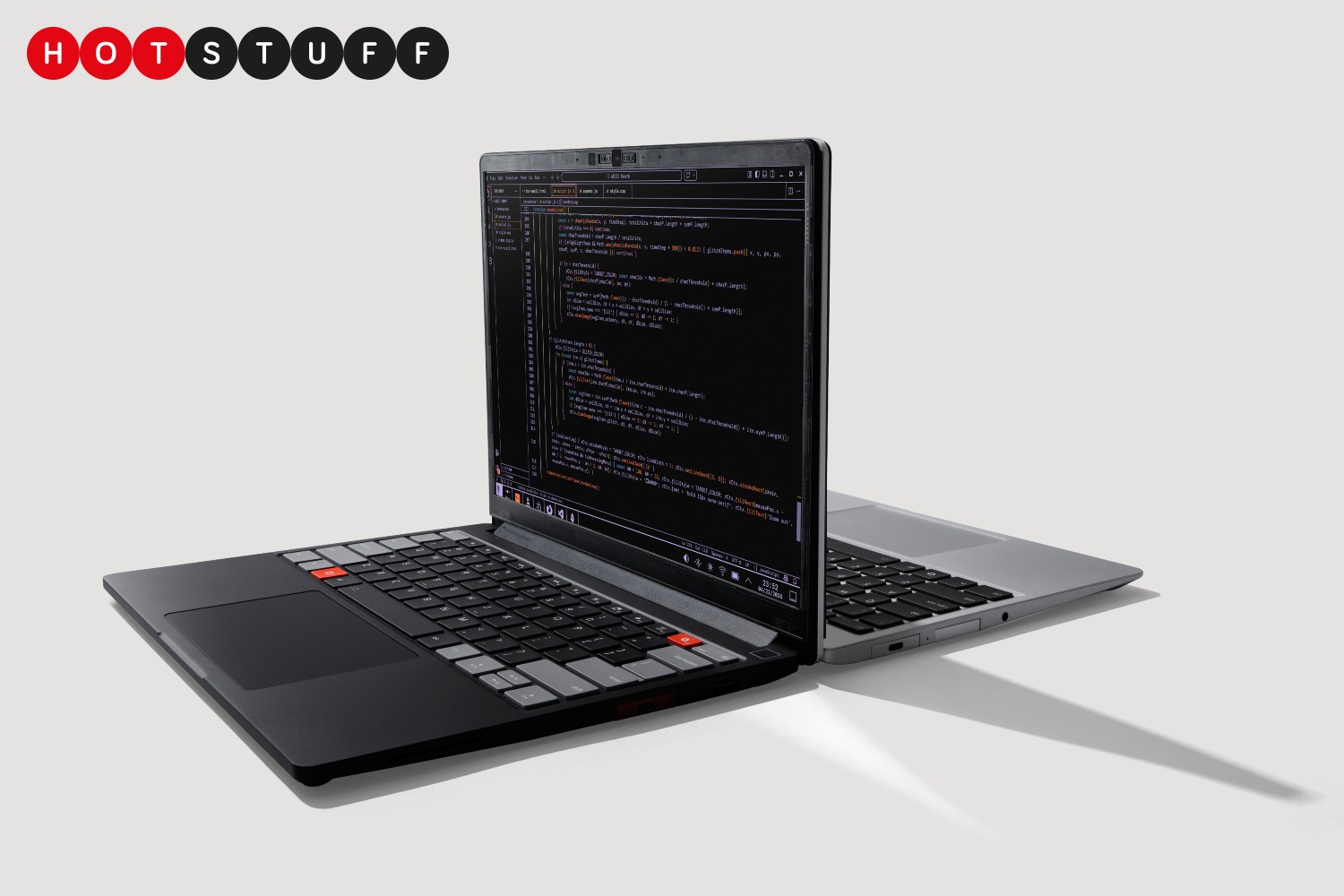
Replacing a part inside a MacBook is often about as easy as trying to solve a Rubik’s Cube while riding a unicycle, but the Framework Laptop 13 Pro is pretty much the exact opposite.
Practically every part of the Framework Laptop 13 Pro is designed to be easily upgraded or replaced, but with an aluminium chassis that measures just 15.85mm thick, a haptic trackpad, and fighting weight of just under 1.5kg it still has plenty in common with Apple’s alternative.
With a choice of Intel Core Ultra 5, X7 or X9 chips (AMD Ryzen AI 300 Series is also an option) and up to 64GB of RAM, it shouldn’t feel inadequate when it comes to the heavy lifting either, while storage options max out at a hefty 8TB.
There’s only a single screen option but it’s a good one: a 13.5in 2.8K touchscreen with 120Hz refresh rate and 700-nit brightness. You can customise the bezel, though, with 11 different options to choose from, although some you’ll have to fork out an extra £10 for.
Compared to Framework’s previous laptops the 13 Pro’s 74.45Wh battery is also significantly bigger, so you should be able to get up to 20 hours out of it before it’s time for a rendezvous with a charger.
Order the DIY edition of the Laptop 13 Pro and you’ll have to do exactly what it says on the tin: put your choice of components together yourself.
If you’re handy with a screwdriver it should only take about 20 minutes, but there’s also a pre-built version that comes with an Ultra X7 processor (or the AMD alternative), 32GB of RAM, 1TB of storage and the OS pre-installed. You can choose between Windows 11 and Ubuntu.
Do it yourself, though, and you’ll know exactly how to upgrade or replace any bits further down the line. Handy.
The DIY version starts at $1199/£1199, but for that you’ll have to supply your own RAM, storage and OS, so the most modest spec will set you back more like $1750/£1750. The pre-built one starts at $1499/£2099.
MORE: Got an Intel-based Mac? Here’s why you’ll want to replace it over the next couple of years

Read the full article here
