


Think you’ve found all the good stuff in Apple’s OS upgrades? Think again. Sure, this year’s WWDC shook up Apple’s usual software reveals. Rather than go through each platform in turn, it mostly talked about refinements to design, child safety and Apple Intelligence. People grumbled that there weren’t actually many new features. But there were.
Elsewhere on Stuff, you can dig into the best of Apple’s updates to Liquid Glass, Apple Intelligence and photography. This piece is for everything else – the best iOS 27, iPadOS 27 and macOS 27 tips and updates that Apple didn’t shout about but that you’ll be glad exist.
Note: All tips are for iPhone, iPad and Mac, unless otherwise stated. Also, Settings is called System Settings on Mac, for reasons known only to Apple.
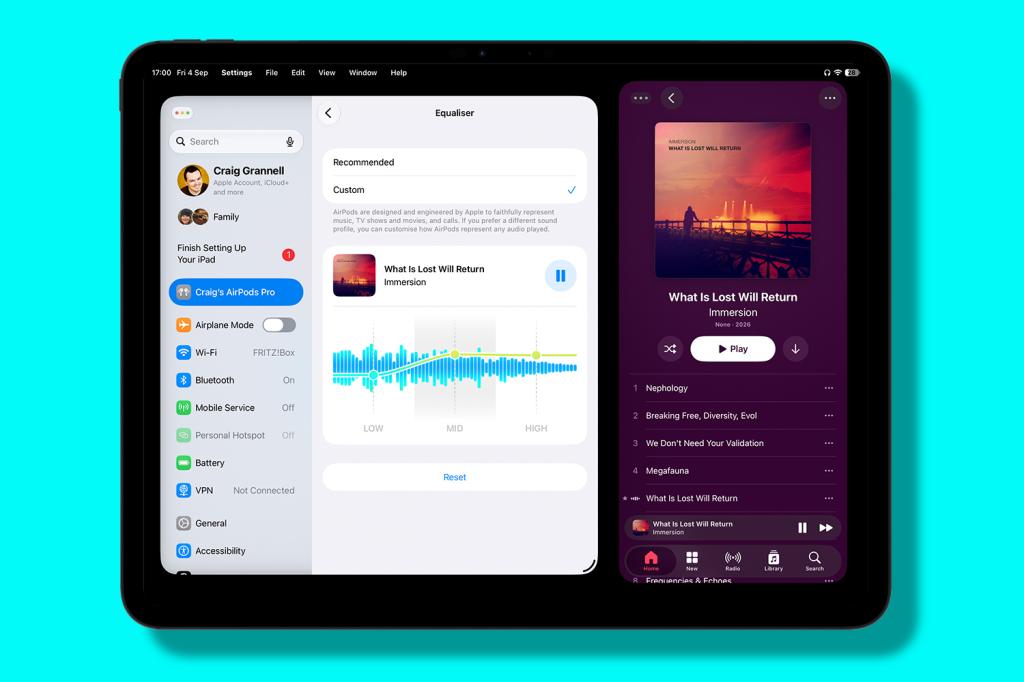
Fine-tune your AirPods EQ
With AirPods connected to your device, go to the AirPods section in Settings. Under ‘Audio & Routing’, select Equaliser and customise the equaliser to suit your ears.
Adjust alert sounds
On iPhone or iPad, open Settings, go to ‘Sounds & Haptics’ (Sounds on iPad) and turn off the ‘Match Ringtone Volume’ switches. Then set separate volumes for ‘alarms and timers’ and ‘alerts and system sounds’.
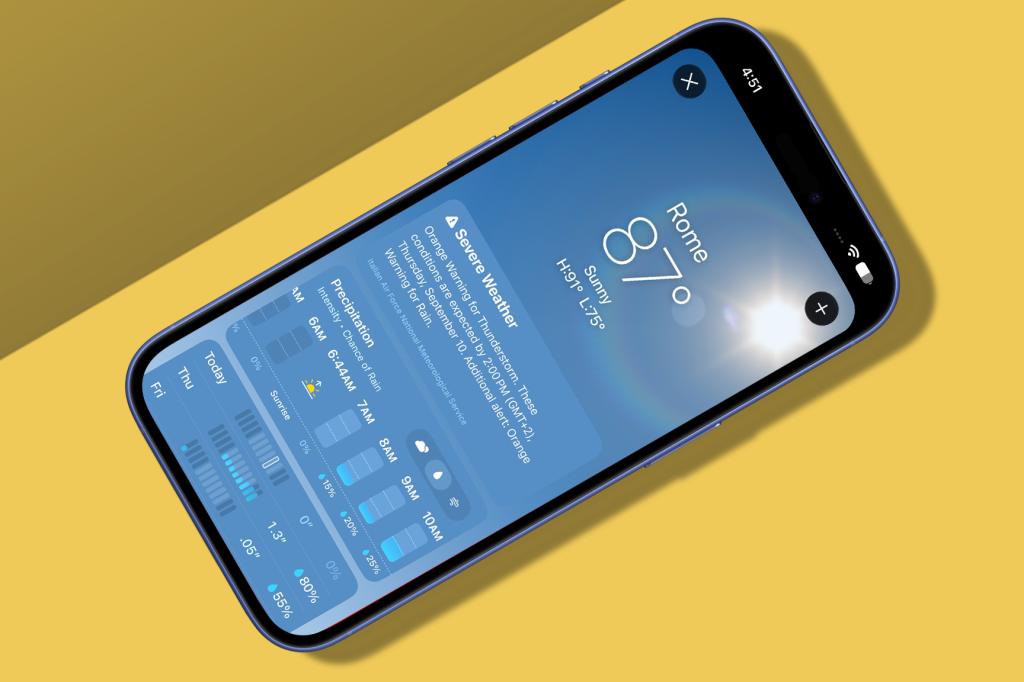
Switch weather data
Open the Weather app. The Conditions pane now has three buttons. Press them to switch that panel and the extended forecast between predictions for conditions, precipitation and wind.
Temporarily share your location
In Find My’s Me section, tap/click the ‘+’ button to share your location with someone. Tap/click the checkmark/tick button and you’ll see new options for an hour, today, always or custom. And, yes, having a menu spring from an OK button is bad design. Tut tut, Apple.
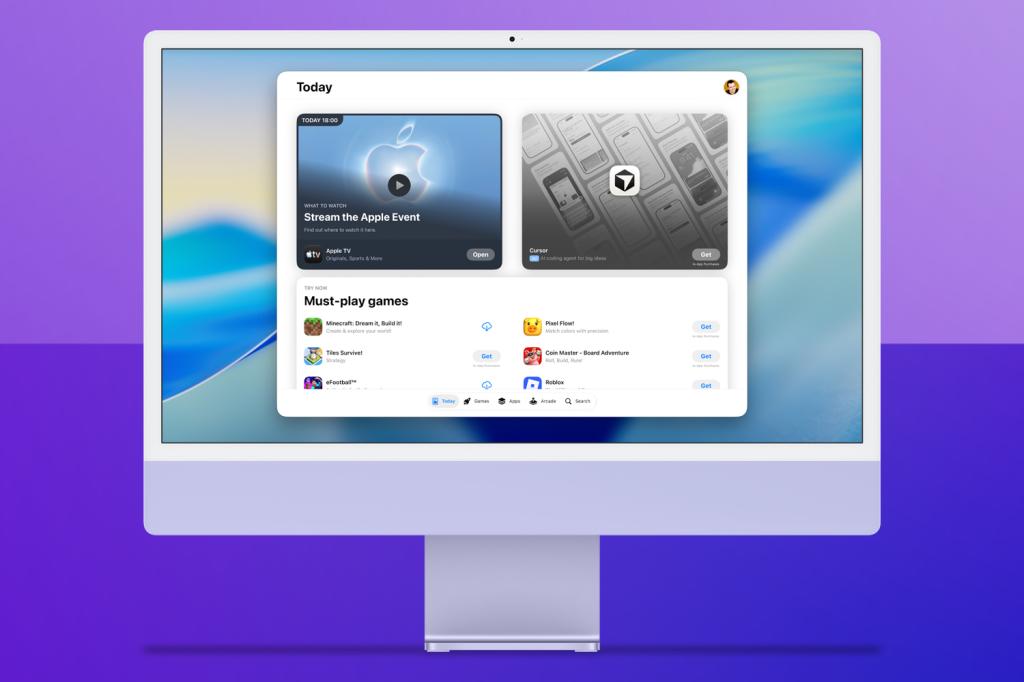
Resize apps
With the iPhone Duo, Apple has rethought app resizing. In landscape, many iPhone apps now have a new view, including Music and Weather. When using iPhone Mirroring on a Mac, supported apps can be expanded accordingly or to the iPhone Duo’s iPad mini-like internal display.
Enlarge widgets
Add a Music widget to your Mac’s desktop. Edit it and you’ll see new ‘Extra Large’ (wider) and ‘Extra-Large Portrait’ (taller) options. The former is also available on iPad. The latter is one of the best iOS 27 tips, since it effectively gives you a full-screen Home Screen widget on iPhone.
Undo Home Screen changes
If you’ve made a mess of rearranging a load of icons on your iPad or iPhone, you can now undo the changes. Shake your device like you’re terribly angry with it and then tap Undo. If you have a keyboard attached, use Cmd+Z, like a less unhinged person.
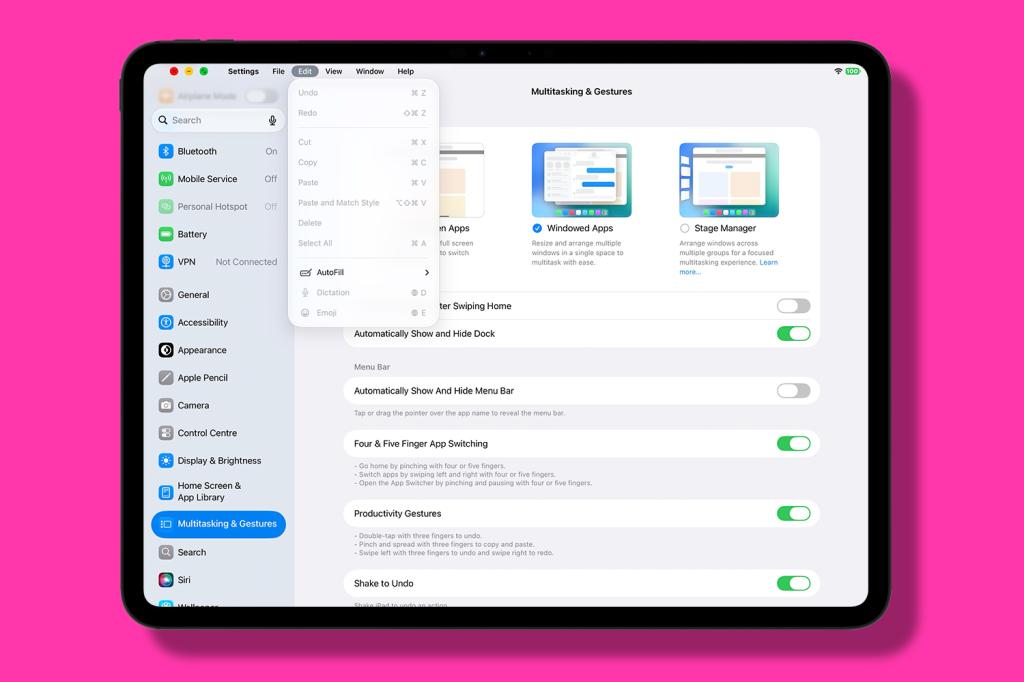
Lock the iPad menu bar
Apple’s fiddled around with how the iPad menu bar works. Again. Now, you tap or click an app’s name to access its menus. But if you want a more Mac-like experience, open Settings, go to ‘Multitasking & Gestures’ and turn off ‘Automatically Show And Hide Menu Bar’.
Paste from the clipboard
On iPhone or iPad, you no longer have to bring up the contextual menu to paste what you’ve copied to the clipboard. When you’re in an app that shows a virtual keyboard, the default autocomplete option should be the clipboard’s contents.
Swipe to refresh on Mac
Apple’s swipe to refresh has long been a mainstay of the iPhone and iPad experience. You can now do the same in Safari on Mac, by dragging downwards on the trackpad with two of your finest digits.

Link to a section in Notes
Add a link in Notes. In the ‘Add Link’ prompt, use the ‘+’ button to select an existing note, or start typing a title and choose one of the results. In ‘Link to Section’, choose a section to link to. These links are backwards compatible.
Use dividers in Notes
To more clearly differentiate parts of a single note, insert a divider line. On mobile, tap to bring up the contextual menu, and go to ‘Insert Divider Line’. On iPad and Mac, you can use Edit > ‘Insert Divider Line’ or Cmd+L. When viewed on pre-27 devices, these lines are displayed as three hyphens.


Read the full article here
