








If you’re rocking one of the best iPhones, chances are you enjoy the odd snap or thousand, given the brand’s smartphone camera pedigree. Still, even veteran photographers have their off days, and some shots just can’t be salvaged. Or can they? Apple’s AI-powered Spatial Reframing feature certainly wants to give it a try.
One of the headline AI features arriving in the updated Photos app on compatible iPhone, iPad, and Mac devices with iOS 27, it’s an ambitious idea that stands out even in this AI-saturated world. So with that said – here’s what Apple Spatial Reframing is, how it works, which devices support it, and whether you should be excited by it.
What is Apple Spatial Reframing?
Spatial Reframing is an AI-powered photo editing feature that can generate a new perspective for an existing image. Instead of cropping tighter or extending the edges of a picture, it creates the illusion that the original camera was positioned somewhere else.
Imagine you’ve taken a portrait where someone’s face is slightly too close to the edge of the frame, for example. Normally, you’d have to crop the image in to balance the framing, potentially losing detail elsewhere. With Spatial Reframing, though, it analyses the scene, estimates what would have been visible from a slightly different angle, and generates the missing parts of the image to create a more natural composition.
The end result is a completely different viewpoint, as if you went back in time and took the shot from a different spot. The demos we’ve seen certainly look impressive, and we’re looking forward to taking it for a spin ourselves.
How does Spatial Reframing it work?

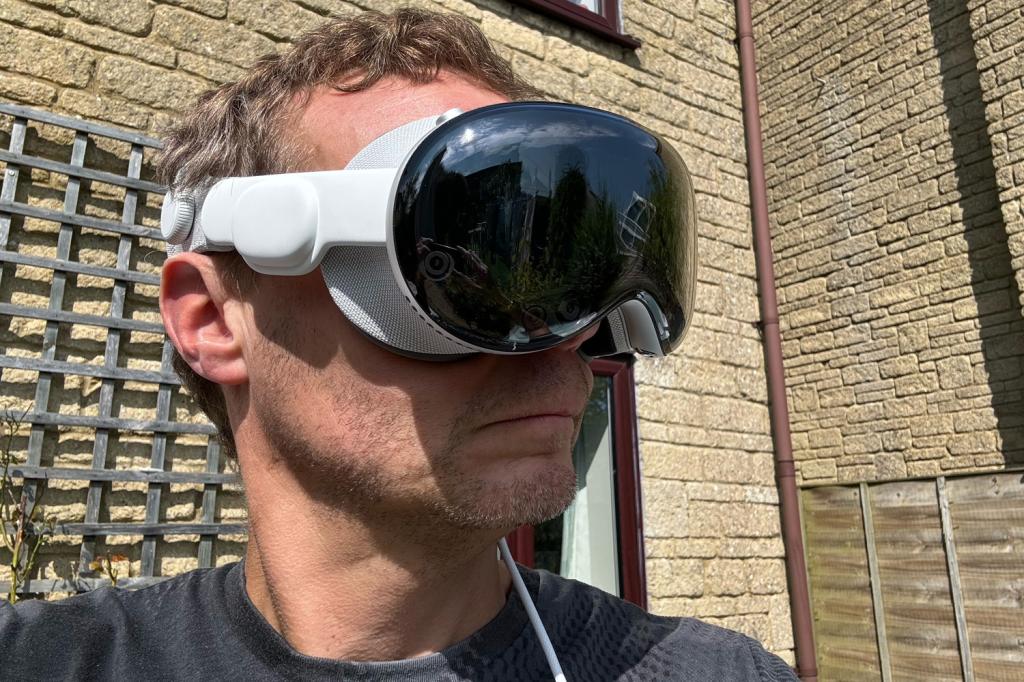
According to Apple, Spatial Reframing evolved from tech that was originally developed for the Apple Vision Pro, which explains why the tech giant’s spatial AI models understand the depth, geometry, and layout of a scene, rather than simply recognising what’s in the picture.
When editing a compatible photo, you can drag the image around to preview different viewpoints in real time. As the perspective changes, the AI generates only the parts of the image that weren’t originally captured by the camera, while preserving as much of the original photograph as possible.
Or to put it another way, instead of recreating the entire picture using generative AI, Apple says that it leaves the original image intact wherever it can, filling in only the newly exposed areas. If it works as well as described, it could help avoid the subtle (and often not-so-subtle) mistakes that generative AI can make when it tries to tweak an existing scene by having to recreate the entire thing from scratch.
Spatial reframing vs AI image expansion
At first glance, Spatial Reframing might sound similar to Google’s Magic Editor or Photoshop’s Generative Expand, but the two tools tackle different problems.
Traditional AI expansion adds extra content around the edges of an image, essentially making the canvas larger. Spatial Reframing, meanwhile, attempts to change the camera’s apparent position, altering the perspective of the entire scene.
It’s a much more complex challenge, because the AI has to understand how objects relate to one another in three-dimensional space before generating a believable new viewpoint.
Having said all that, Apple is still introducing a separate feature called Extend, which performs the more familiar task of expanding the edges of a photo, creating extra space around the subject instead of moving the camera’s position entirely.
Which devices support Spatial Reframing?
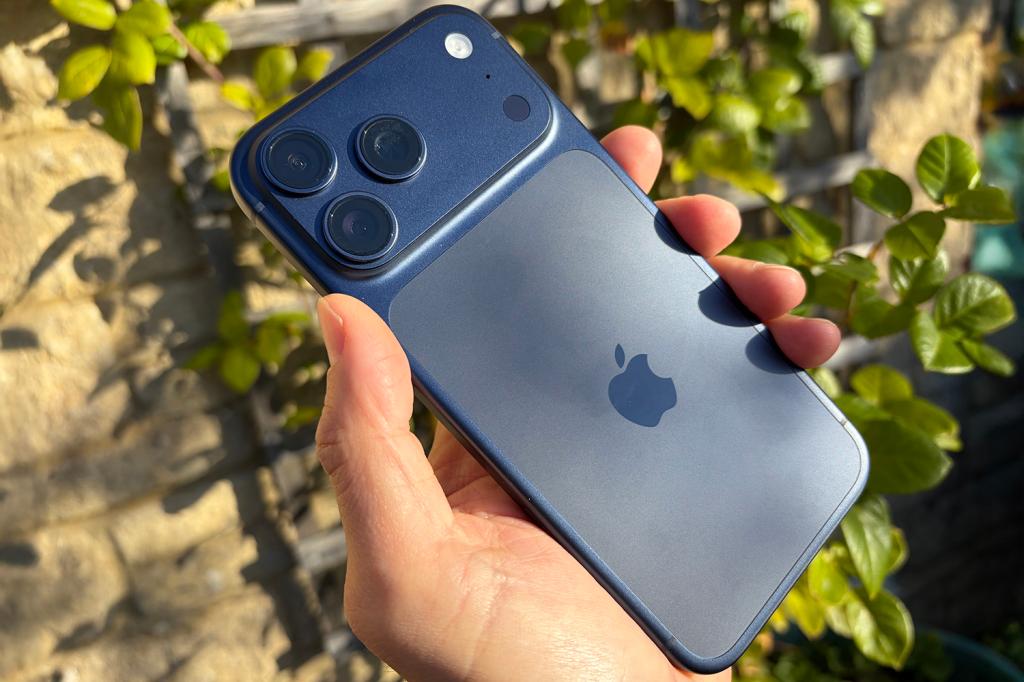
Spatial Reframing forms part of Apple Intelligence, so it won’t be available on every iPhone that supports iOS 27.
Instead, you’ll need an Apple Intelligence-compatible device. That currently means recent iPhone, iPad, and Mac models capable of running Apple’s on-device AI features. For iPhone, as an example, that currently means the iPhone 15 Pro, iPhone 15 Pro Max, and newer models, rather than every handset that supports iOS 27. On iPad and Mac, you’ll need an Apple Intelligence-compatible model.
Is Spatial Reframing important?
Most AI photo editing features solve problems we’ve all encountered – removing strangers from the background, fixing the lighting, or tweaking colour balance. Elsewhere, other AI apps are all too happy to take an original photo you’ve snapped, and completely recreate it from the ground up – an option that, for someone who enjoys photography, like me, feels wrong.
Spatial Reframing strives to do better, then, by keeping as much of the original shot as possible, completely changing where it was taken from in the first place.
There’s certainly no denying the ambition here, and the demos do seem impressive. But the proof is in the public, and we’re looking forward to seeing just how magical Apple’s Spiritual Reframing works once it’s settled down on millions of Apple devices in the real world.




Read the full article here


