

The problem with iPhones and iPads is many of them look rather similar. Apple gives them a model number but chooses not to emblazon it anywhere on the casing any longer. This causes a problem if you need to know exactly which Apple phone or tablet model you’re holding. Here’s how to tell which iPhone or iPad you have.
Apple’s fine portable products can look very much alike. Certainly without a detailed knowledge of camera bulges, dynamic islands or colour schemes. They’re kind of rectangular, with a couple of buttons and a Lightning or USB-C port.
So how can you tell? The easiest way is to look at the box and the receipt if you’ve got access to them. But Apple’s obscure approach to product differentiation does leave room for some other ways. So this guide will tell you how to find out which iPad or iPhone you have.
For most devices you should be able to identify them by looking in iOS or iPad OS. So assuming the device you’re trying to identify works and can be unlocked, that’s the next place to look. Open up the app, then tap Settings > About. You’ll find the Model Number (which you can Google) and, seemingly in later models, the Model Name as well.
Alternative methods for finding out what device you have
Pre-2017 models: look at the back
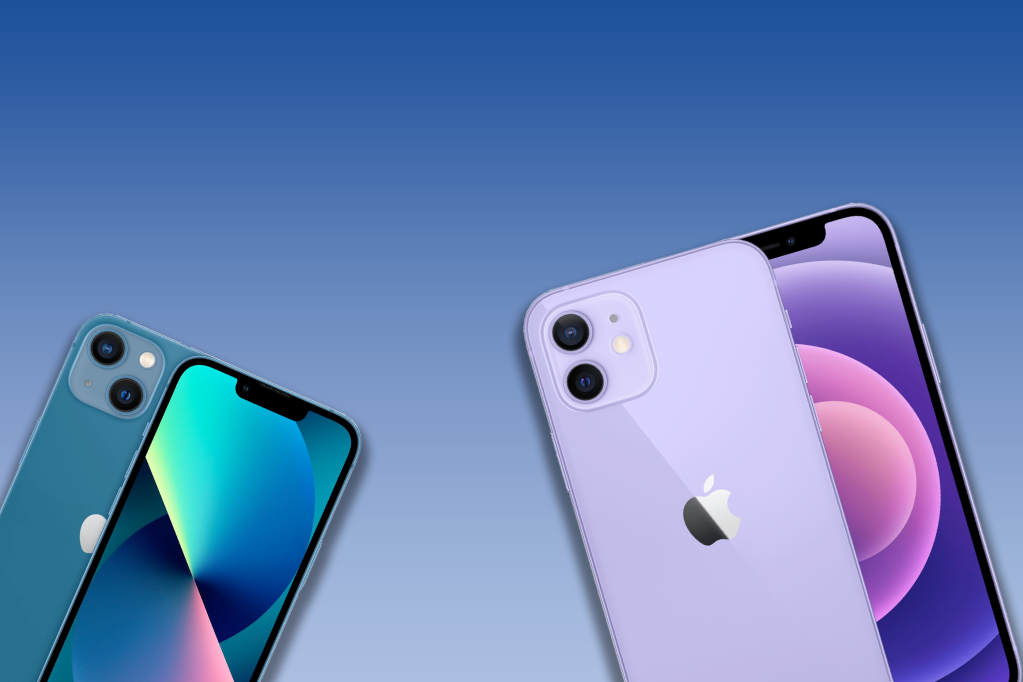
This isn’t that helpful without some prior knowledge or Google. But while Apple may not have stamped ‘first-gen iPhone SE’ on the back of its first-gen iPhone SE, there is a model number. It’s down at the bottom on the back. There’s a catch, though – Apple stopped putting it there in 2017, so this only works with older models.
Once you’ve got the model number, which will begin with an A, followed by three numbers, the fun doesn’t stop. The number alone doesn’t help. Plus you’ll have to compare it to Apple’s big list of its devices, which you’ll find here for iPhones and here for iPads.
Look in the SIM tray
This one’s only going to work for iPhones and iPads with mobile data capabilities. But if you know where to look there’s another place the model number can be found. It’s in the SIM tray.
Pop it out, using one of those special spindly tools. Or any other suitable thing such as an earring or bit of stiff wire. Be careful not to scratch the lovely shiny surface as you do so. You’ll find the model number in the slot, but it might be a bit small and hard to read. It could be useful if, for example, your phone won’t turn on though.
Identifying your iPhone by appearance
If all else fails, it’s possible to narrow down the model of iPhone or iPad just by looking at the device. They may all share a common design vernacular, but there are differences between the individual models.
Lightning ports came in with the iPhone 5 (2012) and fourth-generation iPad, so if the gadget you’re holding has an old-style dock connector it’s an elderly device indeed. USB-C only came in with the iPhone 15, though has been a feature of iPads for several years. And it’s hard to tell the port apart from a Lightning one anyway, though the cables are easier to look at.
The iPhone 11 Pro (2019) was the first device to feature three cameras on its back, while the iPhone 7 Plus (2017) saw the advent of two snappers – and the iPhone 7 was the first model to do away with the headphone jack too (apart from the 2016 iPhone SE). The dynamic island, at the top of the front screen, arrived with the iPhone 14 in 2022, while the not-too-dissimilar notch made its debut on the iPhone X from 2017.
Today, iPhones with one camera are SE models and these still have home buttons too. The SE has now been replaced by the iPhone 16e.
The useful Home button became a fingerprint reader with the iPhone 5S (2013) and vanished entirely from the main iPhone line after the iPhone 8 (2017) in favour of facial identification, though it can be brought back using Assistive Touch, which places it on the touchscreen.
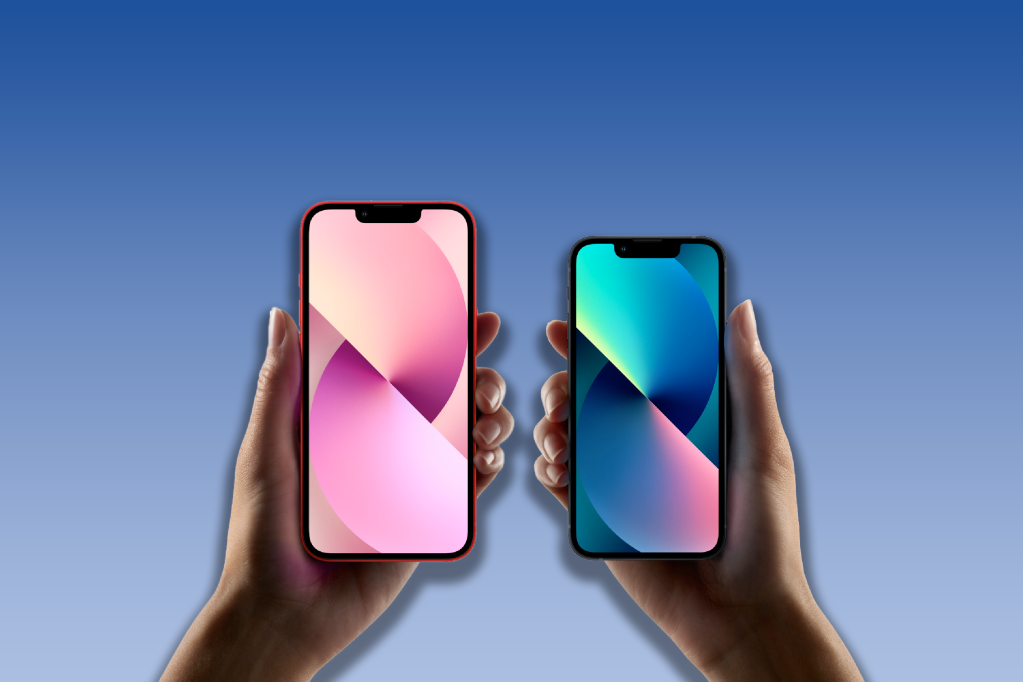
The Mini devices, which came along for the 12 and 13 generations (there has been no iPhone 14 mini or later), are easy to identify by being a bit smaller, though it’s good to have a different model to compare them to, and even a standard iPhone can feel small if you’re used to larger Android devices.
Identifying your iPad by appearance
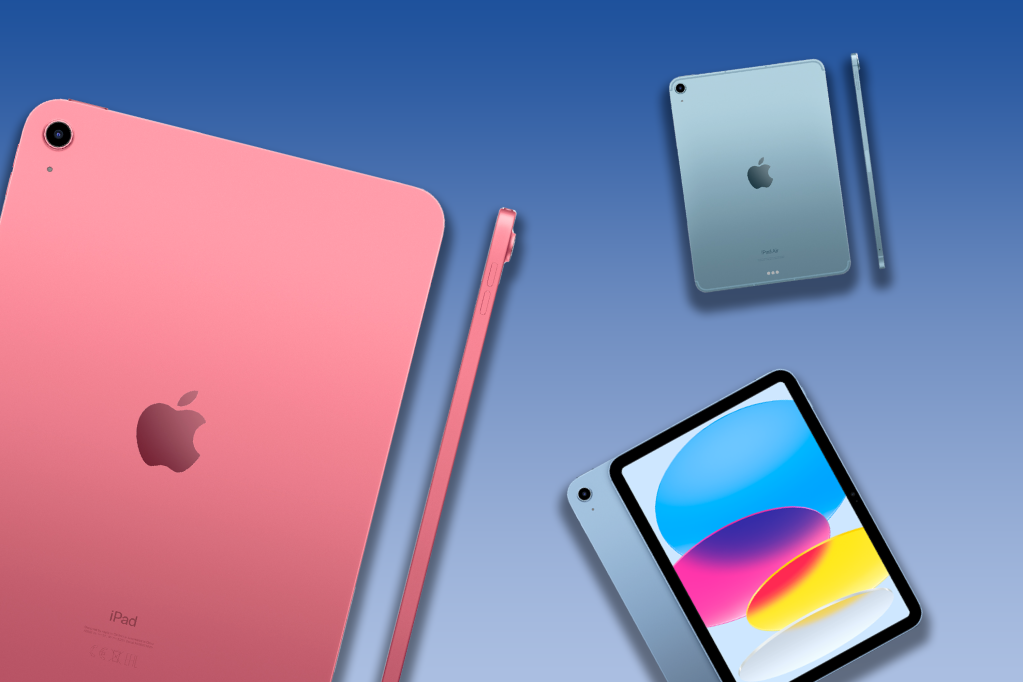
The iPads are a bit different, mainly as there are so many of them at the same time. There’s the basic iPad, the iPad Air, the iPad Mini, and two flavours of iPad Pro, each updated periodically with new processors.
The iPad mini is easy to identify (the 2021 model is the one with a USB-C port), as is the larger 12.9in Pro or 13in iPad Pro M4. The iPad Pro lineup has had USB-C since 2018, but the others can be more tricky to tell apart.
If you’re not sure if you have the iPad (10th generation or now 11th generation with A16) or an iPad Air (now with M3), it’s tricky. But you can tell the difference with the two side by side, as the Air is thinner, lighter, and has a slimmer bezel around the screen.
The 2019 iPad was the last one with a home button, and headphone jacks are on the way out too, having been omitted from 10th-gen iPads and later. Bluetooth headphones, or the use of a USB/Lightning to 3.5mm adapter, are now de rigueur for Apple devices.


Read the full article here
