


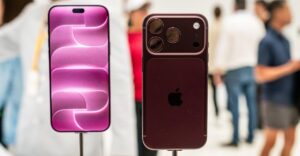



I have a confession to make. I’m not overly excited at the prospect of being able to see a spreadsheet on one side of a foldable phone’s inner screen and email on the other. Actually, it would probably be more of a confession to admit that’s what I do want.
Anyway, Office Productivity™ has so often been the starting point for these devices. Now you, too, can be Ultimate Tech Bro and do two boring tasks at once! Bleh. Fortunately, while Apple’s keynote this week was oddly stiff and clinical, the company still remembered it was Apple. So with the iPhone Duo, sure, it showed two apps side by side and (yuck) big-o-Slack. But it also remembered fun and whimsy.
These are the use cases that might convince me to buy an iPhone Duo. If you’re going to spend two grand on a phone, it has to be a joy to use, not merely a way to fast-forward through boring work tasks. So when shiny new Apple CEO John Ternus remarked that the shiny new iPhone Duo “would open up entirely new possibilities”, I instantly gravitated towards the fun stuff.
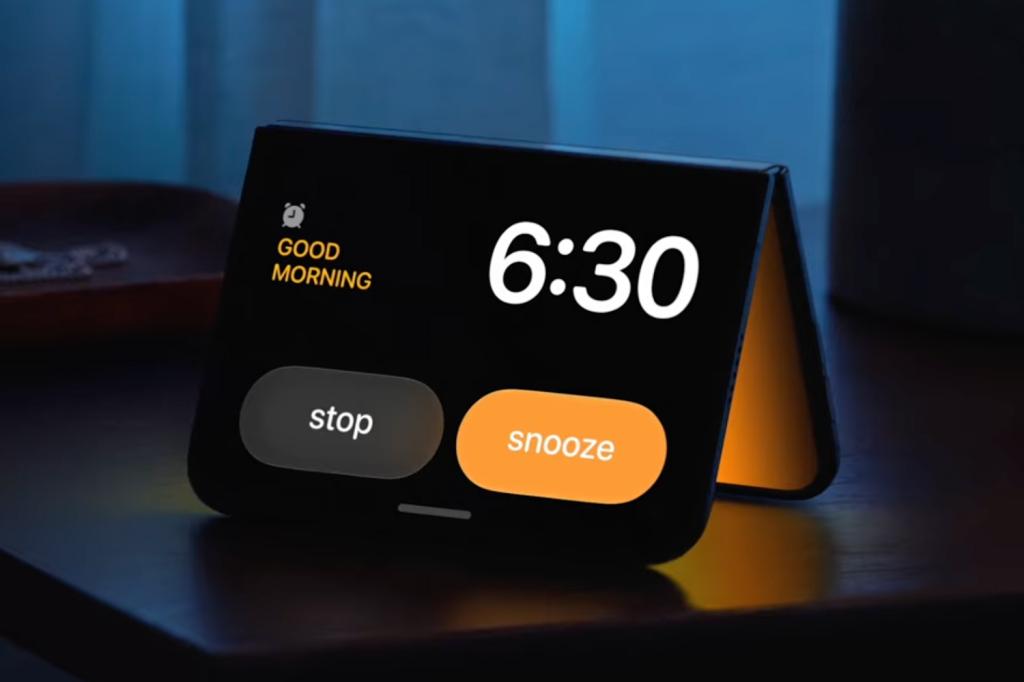
We saw the iPhone Duo twinned with all kinds of optimised apps. It pretended to be a sunrise alarm by emitting a glow while trying to wake its owner. Widescreen video lurked above a messaging app, allowing friends to gripe, live, about the latest Apple TV shows. And there was a desperate parent, playing a cartoon on the outer screen so their young child would actually pay attention while a photo was taken.

That got me thinking. How would I like to use my iPhone Duo? Naturally, I instantly dismissed sensible things like a reader and associated notes, a teleprompter and a camera, an obnoxiously in-your-face live translation aid for when you want people overseas to hate you, and a ludicrously expensive digital book.
I ended up with these:
Make the iPhone Duo a Mac
The iPhone Duo costs as much as a MacBook Pro, but there’s no indication Apple will let you use it like one. But with a VNC app, you could fold the thing in half and turn it into a tiny MacBook, while pretending you’re a giant. Or stick it to Apple by running iDOS or even a classic Mac emulator.
Draw with reference
Apple Pencil support is coming to iPhone Duo. So I could unleash my inner artist and start drawing again, with reference material on one half of the screen and my masterpiece on the other. And because of the Duo’s form factor, I’d be able to snap the thing shut in an instant when it turns out I left my drawing ability back in 1987.
Cook without panic
I can cook. But my relationship to a kitchen is a bit like how a whirlwind would treat two of the three little pigs’ houses. So the Duo in ‘book’ mode, with a recipe, maybe a step-by-step video and timers would be a boon. Or possibly elevate my panic further. Definitely one of those.
Use iPhone Duo for music
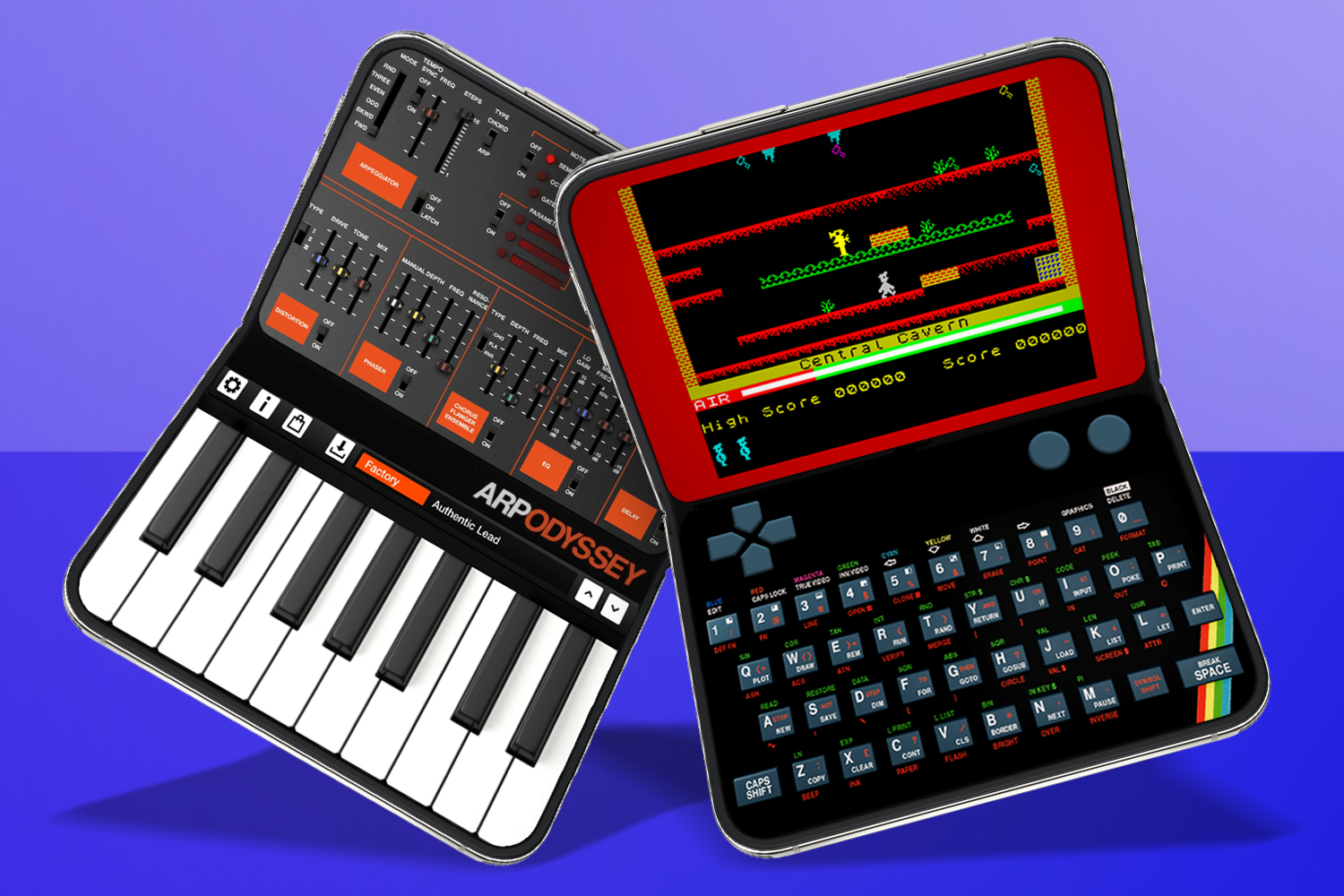
I’ve made music since my teens and have sold literally several albums. My iPhone is where a lot of songs start, and so a Duo that could better be both keyboard and controls at once sounds pretty cool to me. And if all else fails, it’d make for a pretty fab set of high-tech castanets.
Play some games
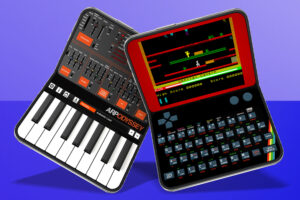
While the top half of the Duo’s inner display feeds games into your eyes, the bottom half could be a controller – or a keyboard for a C64 or a ZX Spectrum. With tabletop games, the outer screen could show stats and rules while the inner screen hides an ongoing story. Using both screens of two grand’s worth of phone for two-player Battleships would be a step too far, mind.




Read the full article here


