





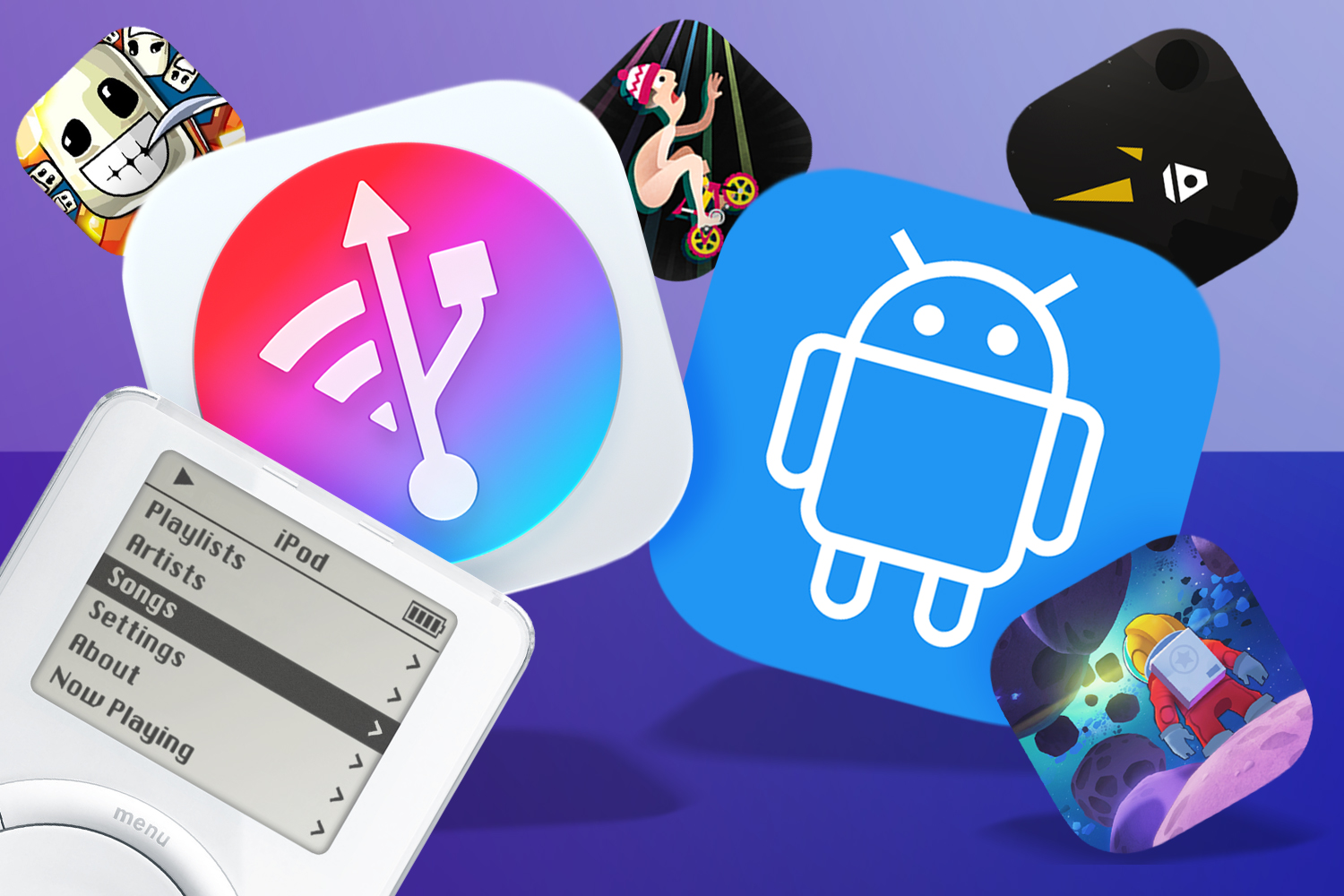
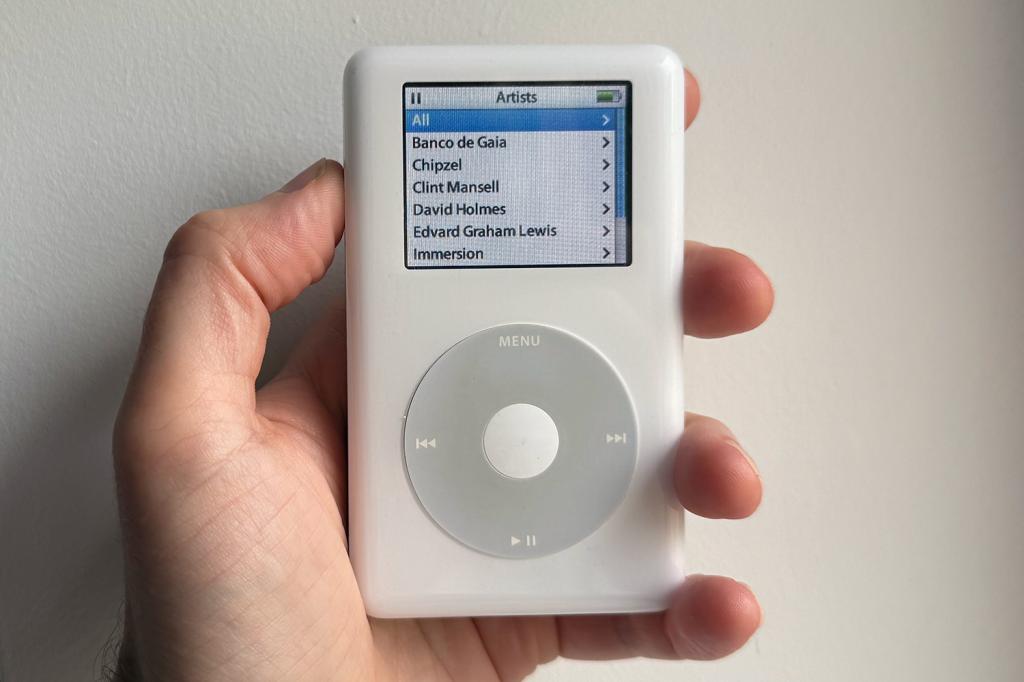
Long-time readers might recall how I coaxed my Mac into accepting the existence of some old iPods, aiming to turn one into the perfect music player. As someone who’s easily distracted, I’m increasingly convinced single-use devices are a good thing. However, the process was a bit of a nightmare, involving all kinds of hoops to jump through, which is why a recent iMazing update struck me as, well, aMazing.
You’ve long been able to use that app to get music off of old iPods. Though why you’d want to, I’ve no idea, unless they house your sole surviving copies of some criminally obscure back catalogue. (Hey, kids: back up your media!) But now it can send music to iPods, without you having to deal with the horrors that I did months ago – and all entirely for free.
So I once again connected my old iPods to my Mac, fired up iMazing and… had a bit of a fight. It turns out this combination of app, new(ish) Apple hardware and ancient Apple hardware doesn’t get on perfectly. Notably, my iPods would sometimes abruptly disconnect when I sent over new MP3s. Although perhaps that was a comment on my musical taste.
But it worked in the end. Devices Apple’s own software no longer recognises – officially obsolete and officially useless – now have a purpose again. A tiny victory, just like when I resurrected a first-gen iPad Air – for which I also used iMazing, but to sideload IPA files I’d had the foresight to back up years ago.
Bringing back old gear and old games, giving them a new lease of life, always feels good. It’s a tiny, petty act of defiance against an industry that loves nothing more than to repeatedly sell you the same stuff.
Sideload-bearing

Beyond the Apple ecosystem, fewer problems of this ilk exist. Various music players work with drag-and-drop – but I don’t want to buy new hardware. With games, though… it’s complicated.
Android remains more open than iOS – despite Google’s ‘best’ efforts. And when you want a long-gone Android game on a new device, you’ll probably be able to find it, ready for download, in the murkier parts of the internet. But with that comes a degree of risk – and setting fire to any moral compass you might have, given that you’re supporting piracy.
Fortunately, there’s a cleaner route there too. Apps like APK & XAPK Extractor make it a cinch to squirt an installed app or game to local storage, which you can back up elsewhere and later install on a new Android device.
At this point, I should fire up the Legal Warning Klaxon. *PARP!* In some territories, circumventing DRM or making copies of digital products – even for media you’ve paid for and for purely personal use – is frowned upon. And I’m sure industry giants would nod vigorously in agreement with Sony’s recent claim that “reasonable consumers” know they don’t own digital games they buy.
Nuts to that. When you’ve paid for something – not via subscription, which is really a rental – the presumption should be it’s yours to use indefinitely. So, no, I won’t lose sleep over my little stash of IPAs and APKs, extracted from my own devices, from apps and games I paid for with my own money. And I certainly won’t lose sleep over refusing to fall in line with an industry that would rather I upgraded everything, constantly, than got a few more good years out of hardware that still works.




Read the full article here


